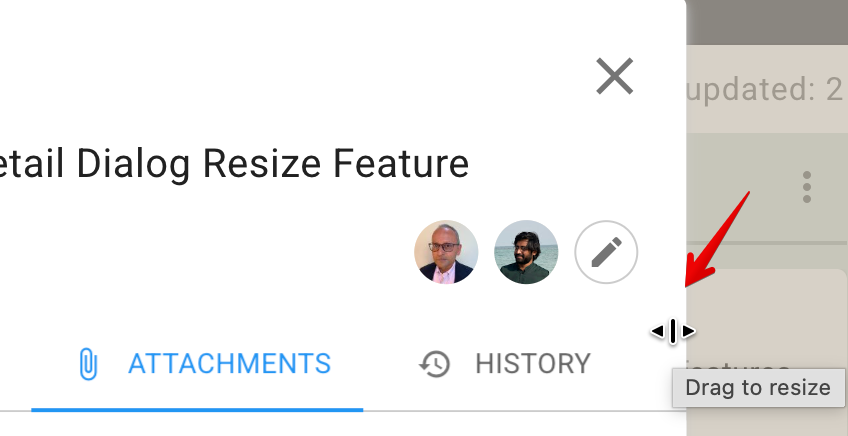
A minor feature enhancement: now you can make the card details dialog wider, if you prefer, on the desktop: just move your mouse to the right or left-edge of the dialog that’s shown when you open a card on a Kerika Task Board, and you will see the cursor change to indicate that you can drag the edge to the left of right: