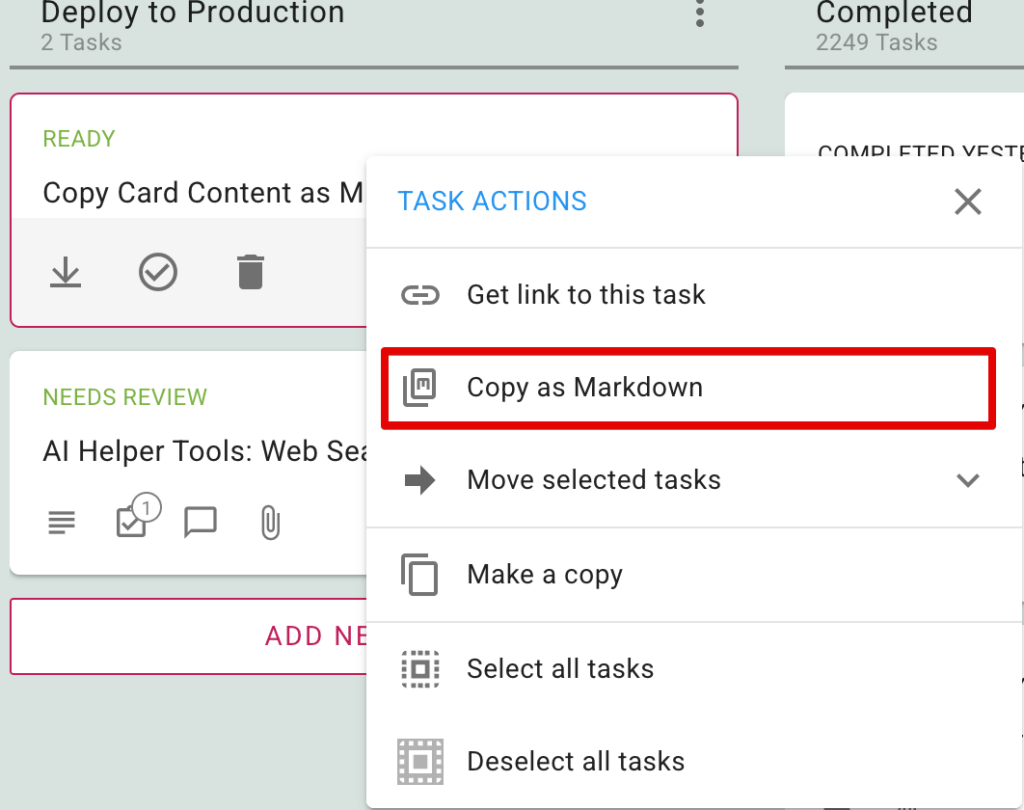
A feature that some of our more technical users may appreciate: you can now copy the contents of a card on a Kerika Task Board as markdown. To use this feature, use the right-mouse button, and the new option for Copy as Markdown:
You can paste the markdown it straight into ChatGPT, Claude, or your favorite AI tool to generate code, summaries, or replies without any manual formatting.