When you have a task (card ) details open, you can swipe left to right to switch between the tabs:
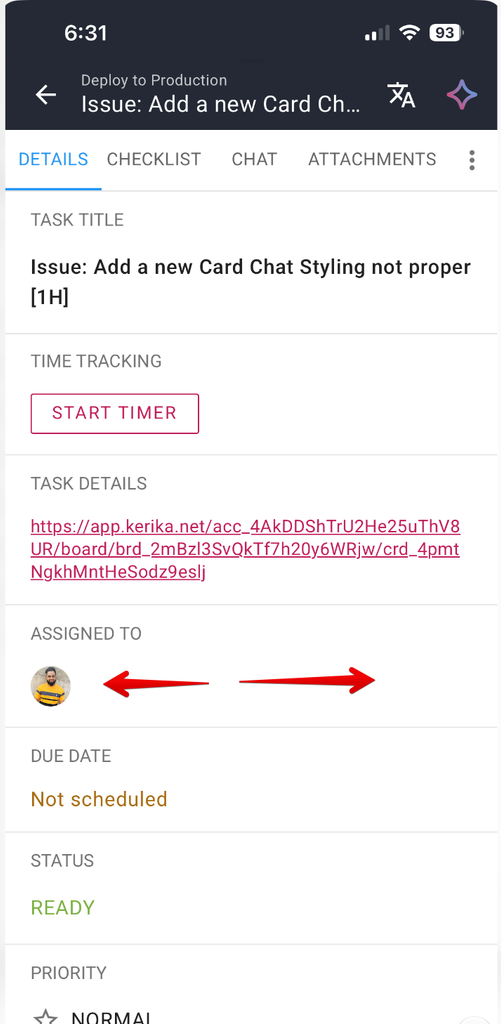
When you open a task on your phone, it opens to the DETAILS tab by default. Swipe right and you will get to the next tab (CHECKLIST); swipe again and you will get to CHAT.
You can go back the same way by swiping left. And when you swipe left from the DETAILS tab, it will close the task details and return you to the board view.