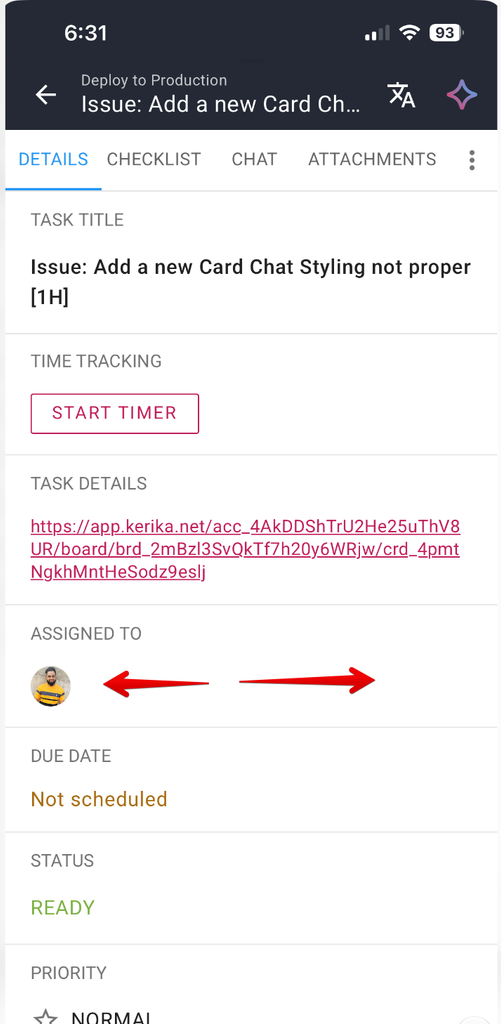
When you have a task (card ) details open, you can swipe left to right to switch between the tabs:
When you open a task on your phone, it opens to the DETAILS tab by default. Swipe right and you will get to the next tab (CHECKLIST); swipe again and you will get to CHAT.
You can go back the same way by swiping left. And when you swipe left from the DETAILS tab, it will close the task details and return you to the board view.
When we first designed our mobile app we assumed that people would be using Kerika primarily on the desktop, and only occasionally on mobile phones. That assumption is not true: increasingly we are seeing new users who are “mobile-first”.
This has prompted us to make a bunch of small improvements to our mobile app, mainly to make sure as much of the desktop functionality is available on the phone as well.
You can now copy a task card as markdown, to make it easier to input that into an AI service.
You can now easily switch between the tabs of a task details dialog (Details, Chat, Attachments, etc.) using a swiping gesture.
One thing that’s still not supported, and probably never will be, is buying subscriptions using a phone. That’s because both Google and Apple charge outrageous commissions for purchases made from a phone, which is why even giant companies like Netflix don’t support purchases directly from a phone.
We have very significantly improved the AI Helper to now work as an assistant within Task Boards, and even within individual cards (tasks) on a Task Board.
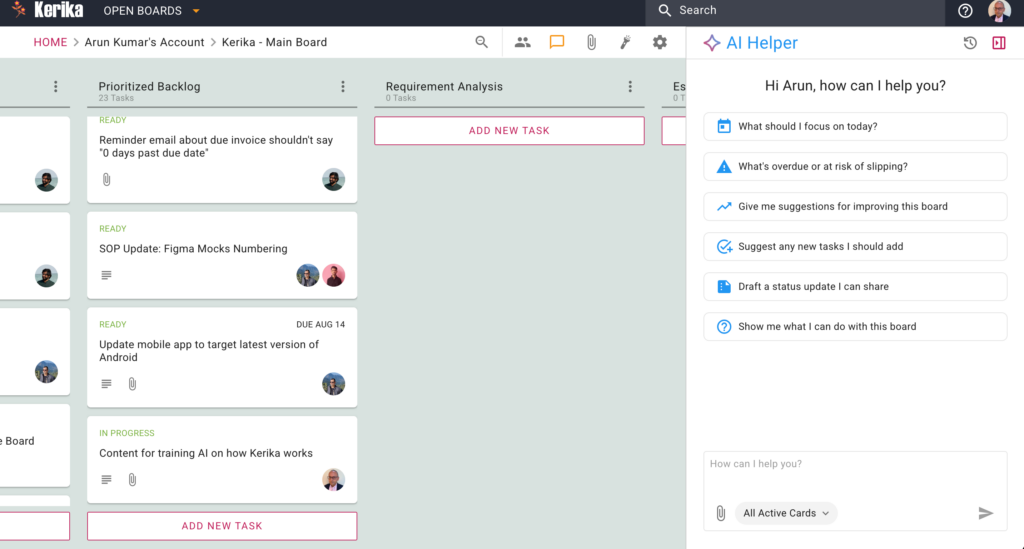
To use, click on the AI button that appears on the bottom right corner of the Kerika app, on the desktop or mobile. Here’s an example of what it looks like, for desktop users:
Let’s take a closer look at the components of the AI Helper pane:
On the top-right corner are buttons to access old AI Helper Chats, and to close the AI Helper pane:
Old Chats
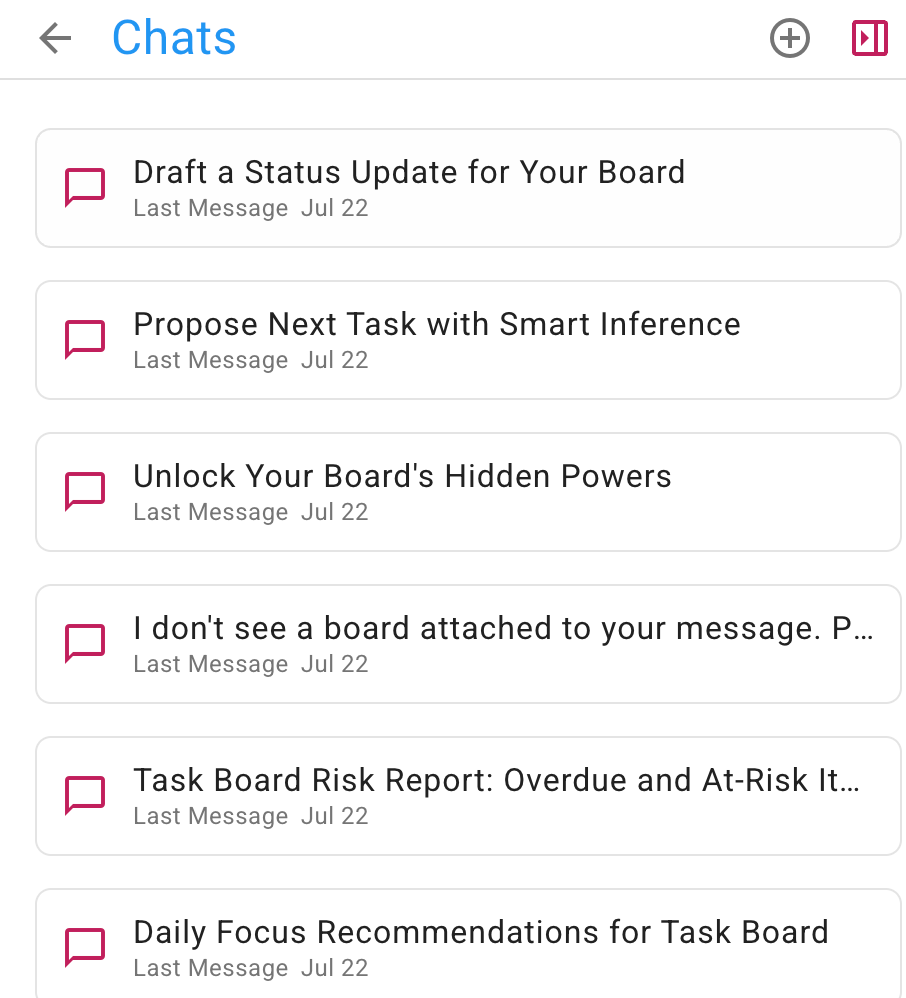
The old chats are shown in reverse-chronological order, with the most recent on top:
You can resume any old chat at any time, if you want to return to a particular discussion you had with the AI Helper. It’s useful to keep different discussions in different chat streams, because that helps the AI Helper understand more easily the context for your requests.
Quick Actions for Boards
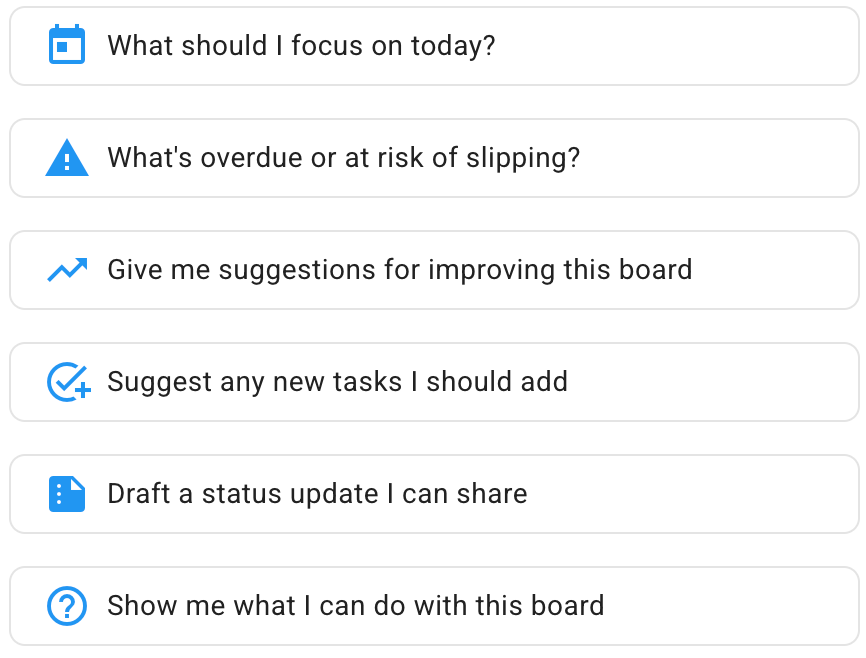
Within the main body of the AI Helper, shown whenever you start a new chat, are some Quick Actions:
These are:
What should I focus on today? A common question that many users face, particularly when they are working on a large project, with many tasks underway and all in different stages of progress.
What’s overdue or at risk of slipping? Something that’s particularly important to project managers (Board Admins) who need to make sure everything is going well, not just their personal tasks.
Give me suggestions for improving this board. This can help everyone, but Board Admins in particular: the AI Helper can take a look at the entire board and see if the team is using Kerika to its fullest capabilities — are the columns, representing the workflow, optimal? Are tags being used to gather together related tasks? And so on.
Suggest any new tasks I should add. Here the AI Helper looks at all your tasks and tries to identify any steps that are missing from your project’s workflow.
Draft a status update I can share. If your manager keeps asking for status updates (and they really shouldn’t, because with Kerika you can add them as Visitors so they always have a real-time view of what’s going on!), this handy Quick Action will take care of drafting a status report for you.
Show me what I can do with this board. This is another way of making sure you are using Kerika optimally to achieve your project goals. The AI Helper can identify tasks that need priorities and due dates to be set, and much more.
Quick Actions for Cards
There are Quick Actions for individual cards on Task Boards as well: you can see these when you open the AI Helper after having opened the card first.
While the AI Helper focuses on the entire board when no individual card is open, here the AI Helper focuses on a single card. The Quick Actions are:
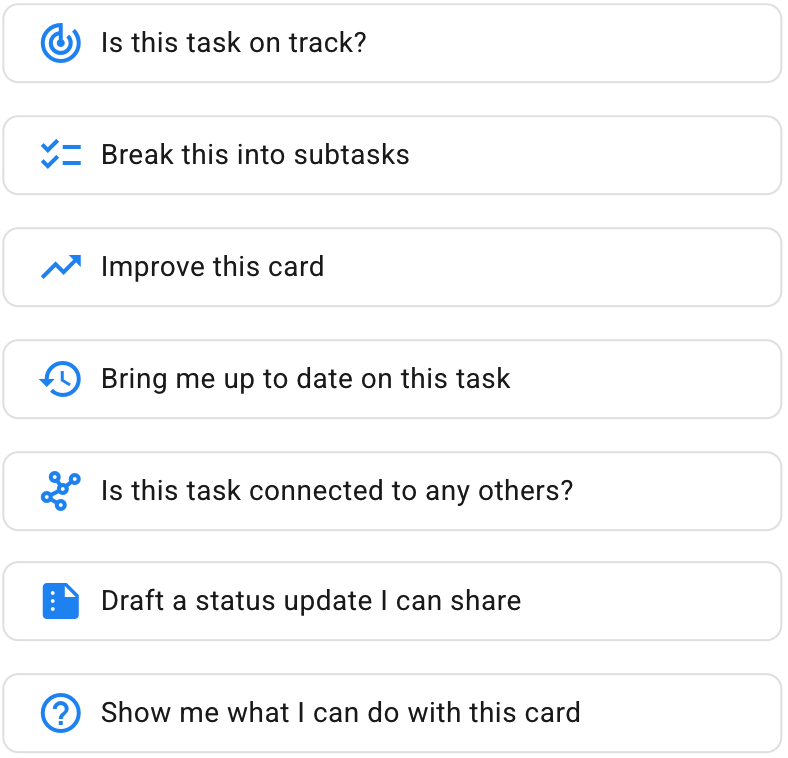
Is this task on track? The AI Helper looks at whether there is a due date or priority set, and whether the task needs a checklist of sub-tasks to make it easier to get the task done.
Break into subtasks. A handy one-click way of getting a complete set of sub-tasks that will help get this task done faster and better.
Improve this card. The AI Helper can improve an individual card in many ways: suggesting better task titles or details/descriptions, use of tags, due dates, etc.
Bring me up to date on this task. Kerika is ideal for globally distributed teams working across different geographies and timezones. (The Kerika team itself is a globally distributed team, and has been from the very beginning.) This Quick Action summarizes activity on this card in an easy-to-understand format.
Is this task connected to any others? Very helpful when you have a lot of things going on in a large board, with many tasks underway.
Draft a status update I can share. Another handy way to deal with managers who insist on (daily?!) status updates.
Show me what I can do with this card. Similar to the Quick Action for Boards, but focused on a particular card.
We would to hear from you on how well the AI Helper works in general, and whether our Quick Actions can be improved!
Our AI Helper just got better at creating new boards and templates: although it looks the same as before, behind the scenes it now can do Web searches to find relevant material to use for building what you need.
This means that you can now make more general requests to the AI Helper, like “make a board for me to learn about AI agents”. To build this board, the AI Helper will automatically do a Web search to find the best articles out there that cover AI agents, and then build a learning board for you.
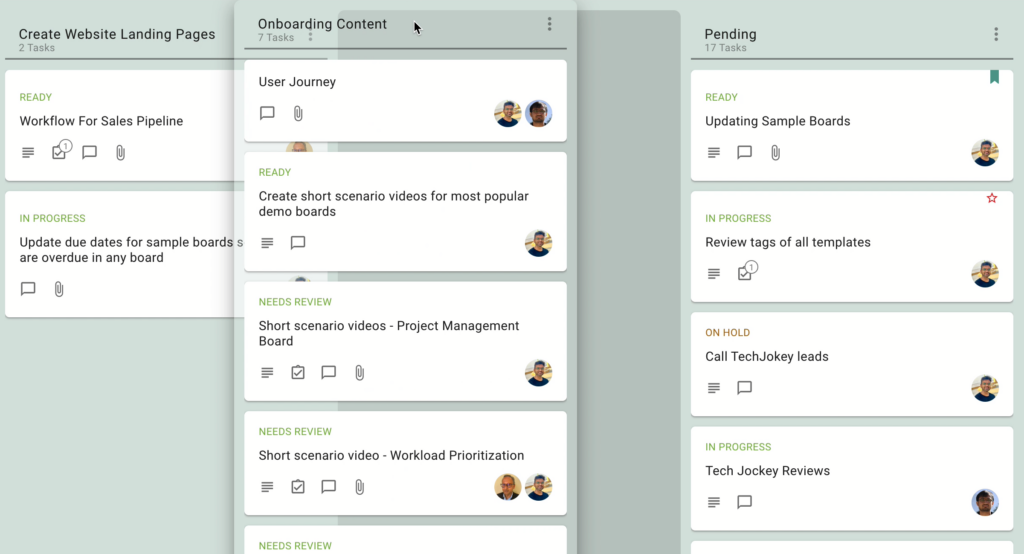
We made it easier to make changes to the workflow of a Task Board: now a Board Admin can simply drag a column on the board to the left or right to reorder the board.
Board Admins can now invite people to join their boards as Team Members or Visitors by simply sharing a unique link that’s created for each board. We added this function because some of latest users include schools that want to add large groups of parents to boards with a single action. Here’s how it works:
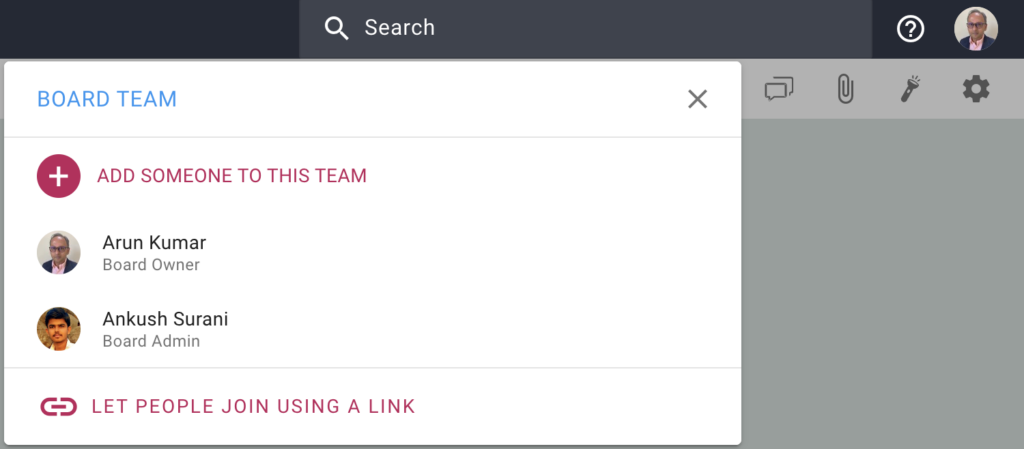
When you open the Board Team dialog (as a Board Admin), you will see a new option at the bottom, called Let People Join Using a Link:
Let People Join Using A Link
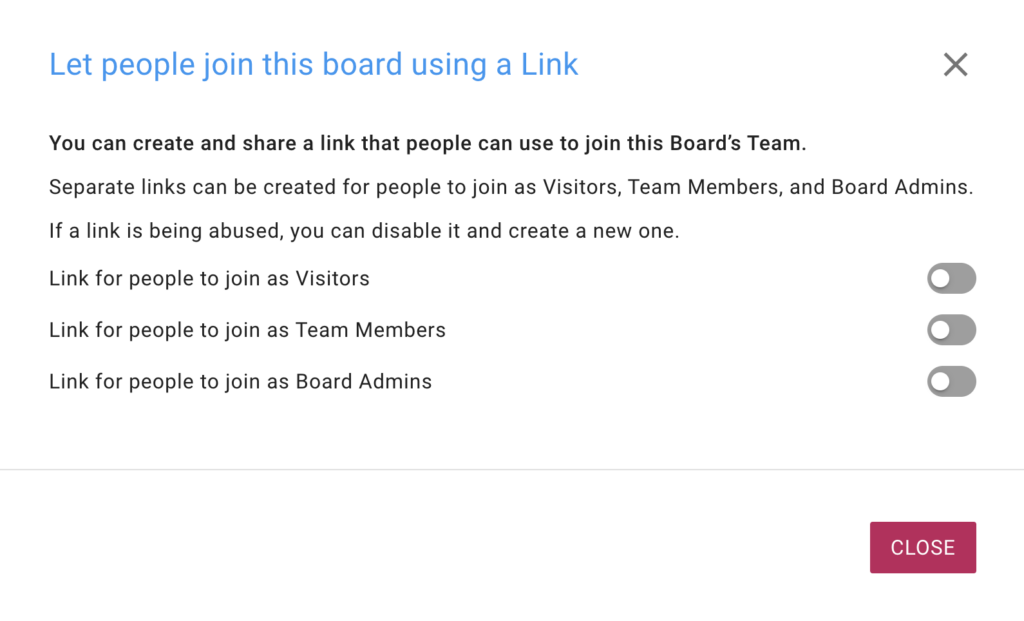
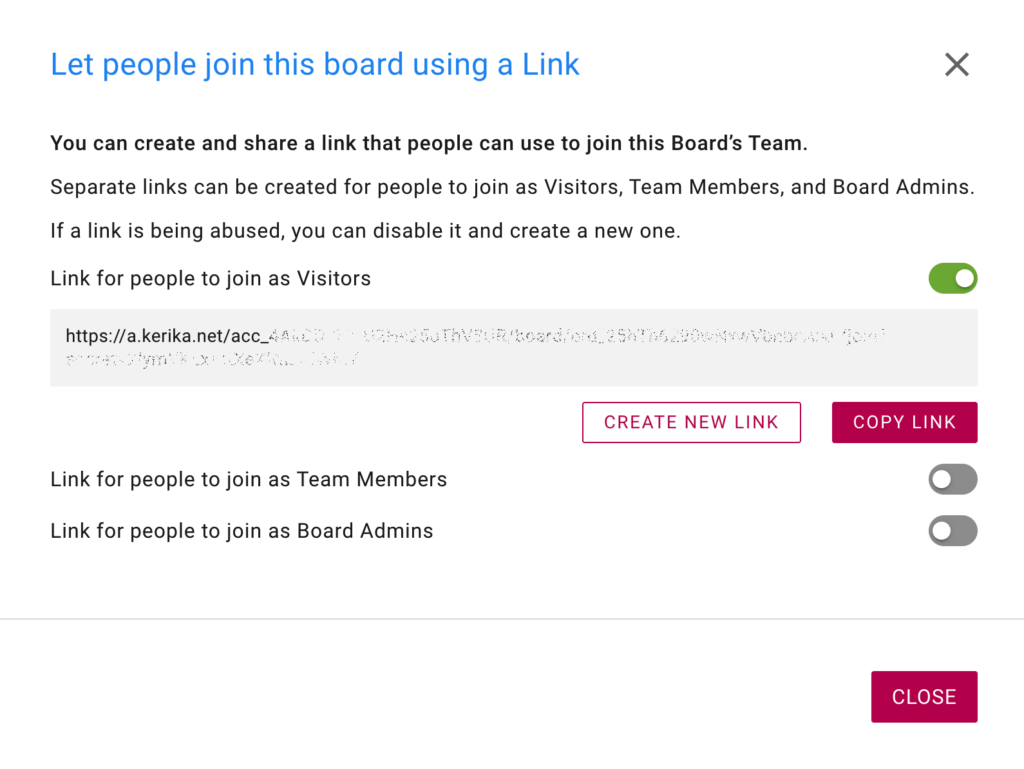
Clicking on this will bring up a dialog that let’s you create links for adding people as Board Admins, Team Members, and Visitors:
Creating Links
For additional security, separate links are created for each role: Board Admin, Team Member, and Visitor. When you turn on one of these options, Kerika will create a special link that you can then send to a large group of people to join you board.
Link Created
(We obscured the link in the screenshot above, for our own security!)
When you create a link, it’s also automatically copied to your clipboard for easy pasting in an email or chat.
If you are concerned that the link may have been compromised, perhaps because the people you sent it to have carelessly passed it on to others, you can always turn it off: turning off a link will automatically make it useless for future use.
We are making a change to the names of the Done and Trash columns on Task Boards, to make it easier for new users to understand what these columns represent.
The Done column will become Completed and the Trash column will become Deleted.
Looking at the demographics of our new users, we found that over 80% had never used any kind of boards before, and we think the new names will be easier for them to understand.
This is just a naming change, there’s no difference in functionality.
We have made a very big extension to Kerika, by integrating with Microsoft 365: now you can sign up using your Microsoft ID, and have your files stored in your own OneDrive account!
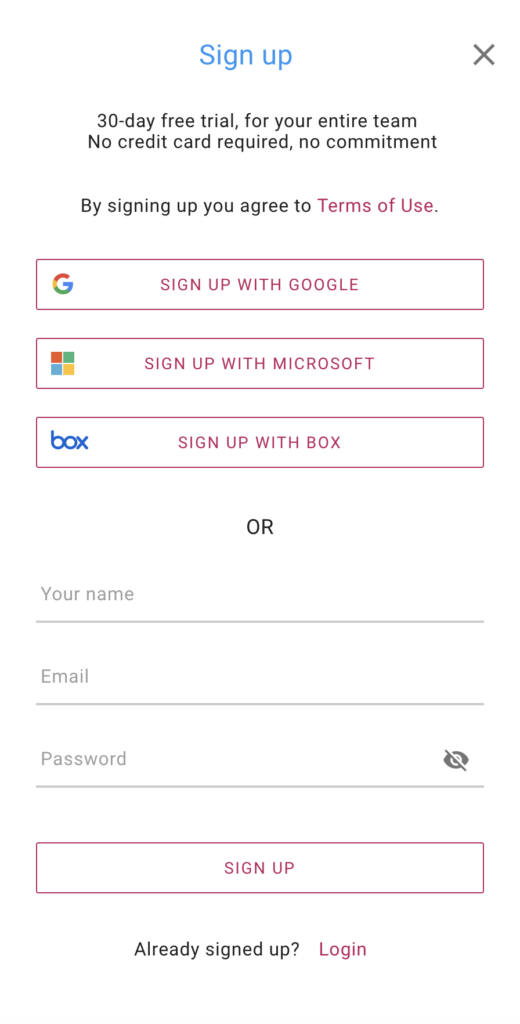
Kerika+Microsoft works the same was as Kerika+Google and Kerika+Box: you can use your existing Microsoft account to sign up and login to Kerika; there’s no need to create and remember a new password:
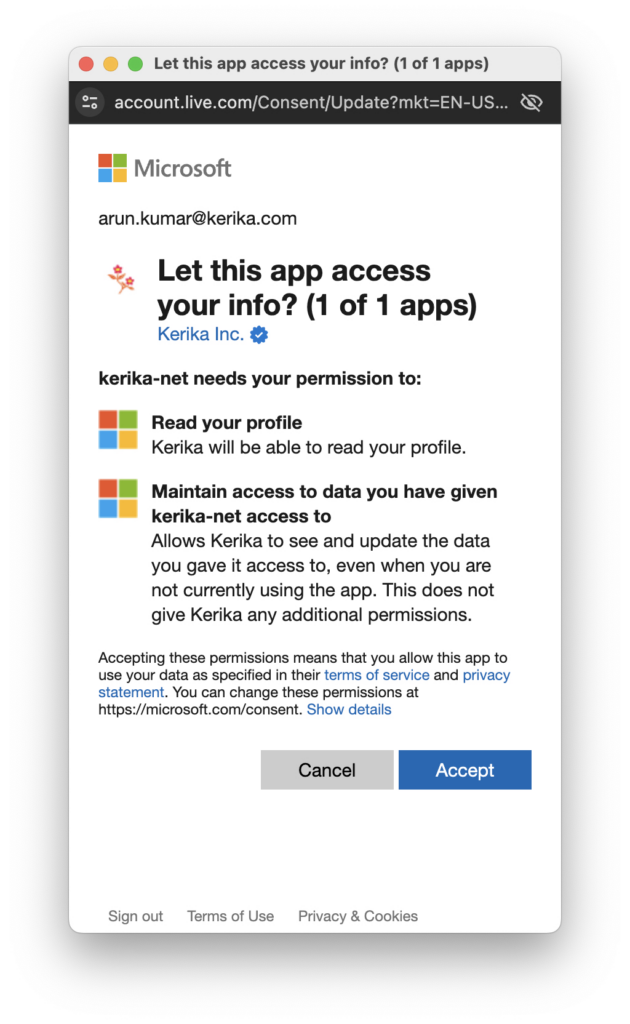
When you upload files to your board for the first time, you will be asked to choose a preferred cloud storage: if it’s Microsoft, then you will be asked to give Kerika access to a single folder in your Microsoft OneDrive:
Microsoft Authorization
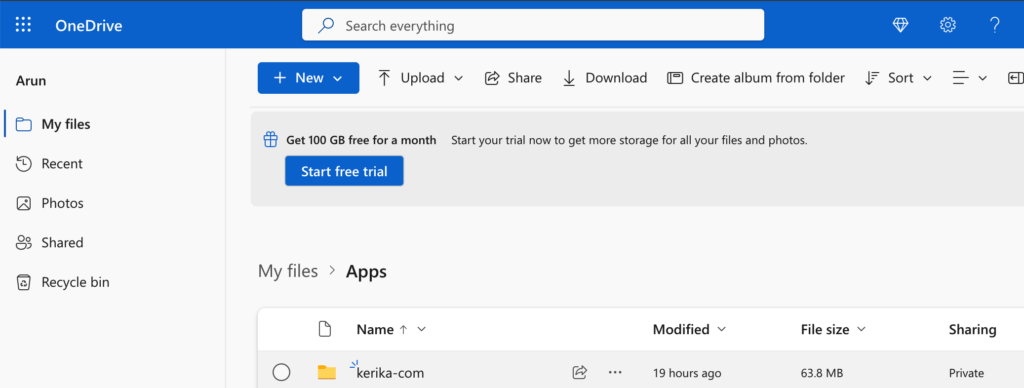
After you allow Kerika access to your OneDrive, Kerika will create a single folder in your OneDrive that it will use for all of your Kerika-related files:
Kerika in OneDrive
That one top-level folder is all that Kerika will ever use: inside there Kerika will automatically manage all the subfolders you need to sort your different Kerika accounts (yes, some folks have more than one Kerika account!) and your board.
Kerika doesn’t go snooping around or altering any other part of your OneDrive!
As folks join or leave your board team, access to all the files on that board will be automatically managed by Kerika, freeing you up from all the admin work that other tools make you do.
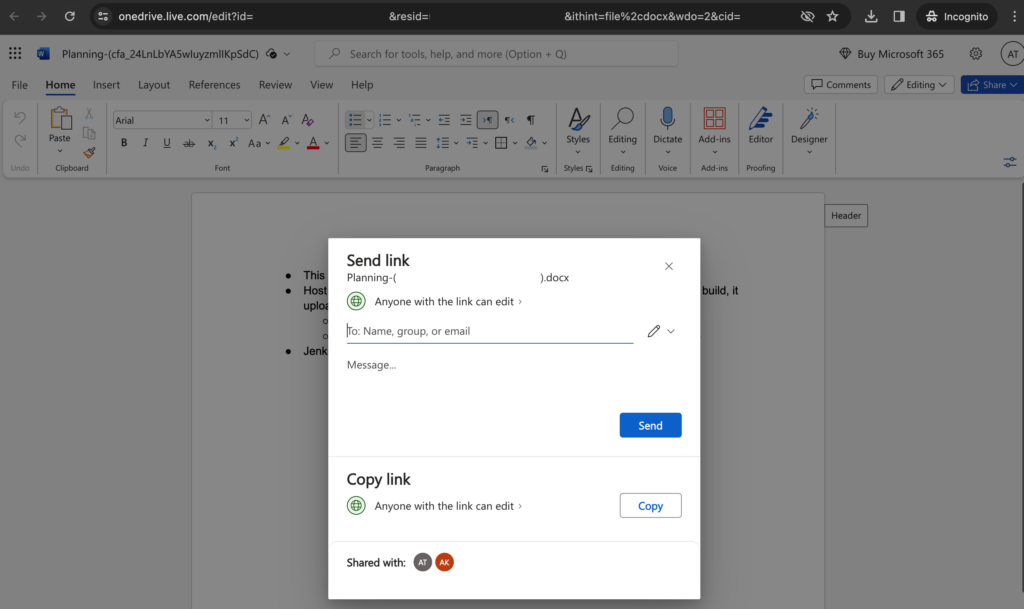
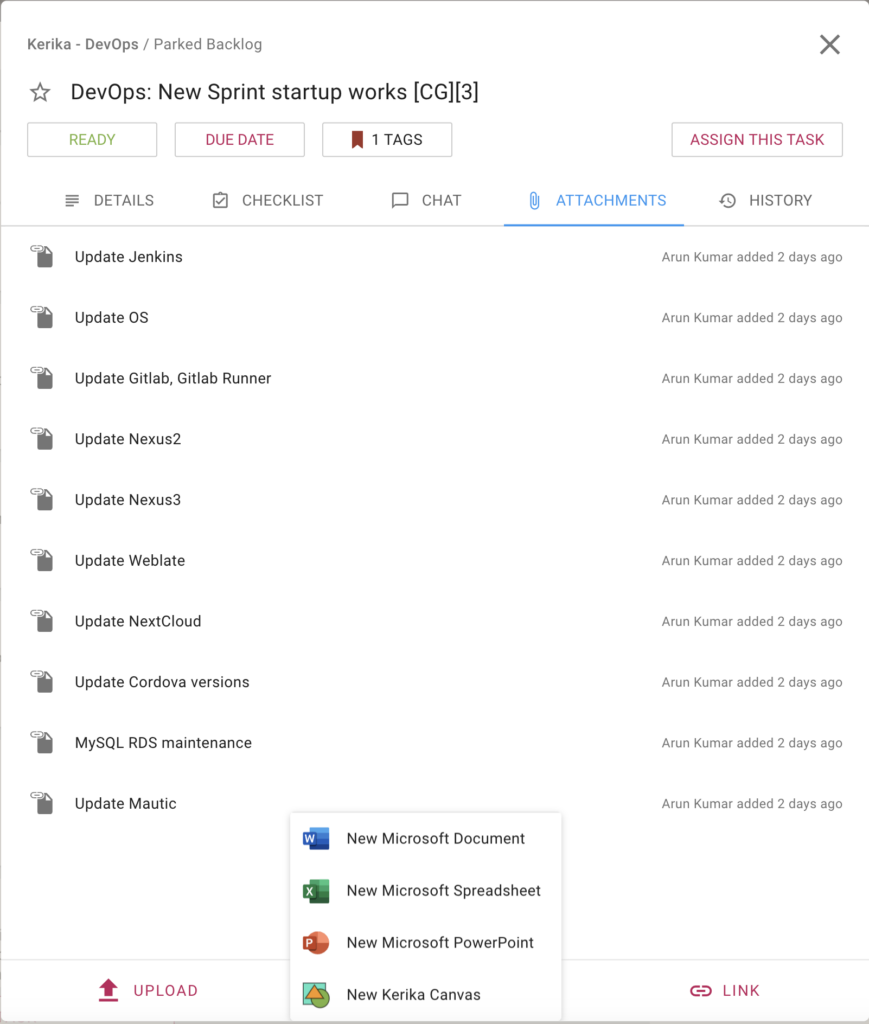
You can even create new Office 365 documents from inside Kerika, and have them shared automatically with your board team:
Create New Microsoft Documents
And we have always had the ability to sync your Kerika due dates with your Outlook calendar, so that completes everything you need to get the most of Kerika+Microsoft!
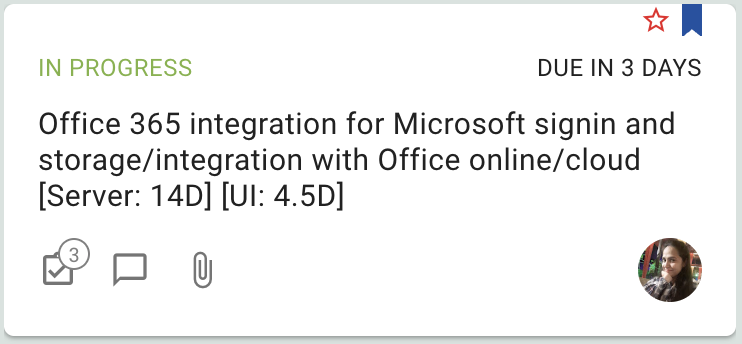
We made a small UI improvement that makes it easier now for you to see how many Checklist items (subtasks) remain open on a card:
A number will appear next to the Checklist icon when you are looking at tasks on a board: this is the number of open Checklist items for that task. We don’t show the total number because it’s the remaining ones that are more important, but if you hover over the number a tooltip will show you that as well:
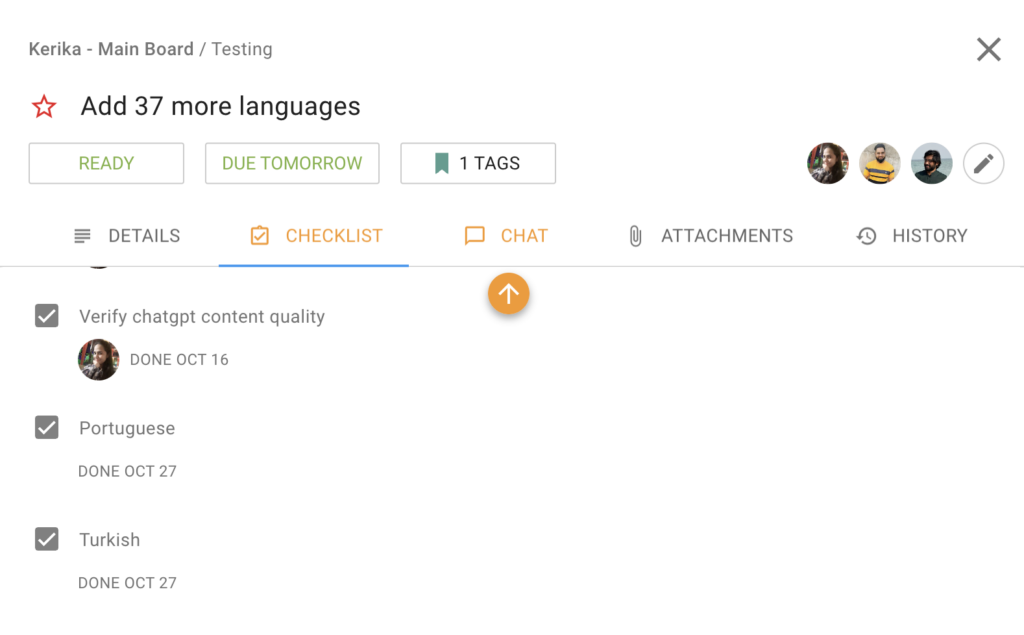
The orange arrow that appears at the top or bottom of a column when there are unread updates that are out of view has proved to be a very useful and popular feature, so we have extended the concept to work inside of tasks (cards) as well: if there is an unread change to a checklist item, or attachment, that’s out of view for you, an orange arrow will appear to help guide to you it:
The way these orange arrows work is very intuitive: just click on it to have the view scroll up automatically to show the next unread checklist item or attachment.