Category Archives: Whiteboards

Posts related to using Kerika’s Whiteboards

An easier way to deal with a large number of boards

As folks use Kerika over a long time, and for a variety of purposes, they may end up with dozens or more Task Boards and Whiteboards in their account.

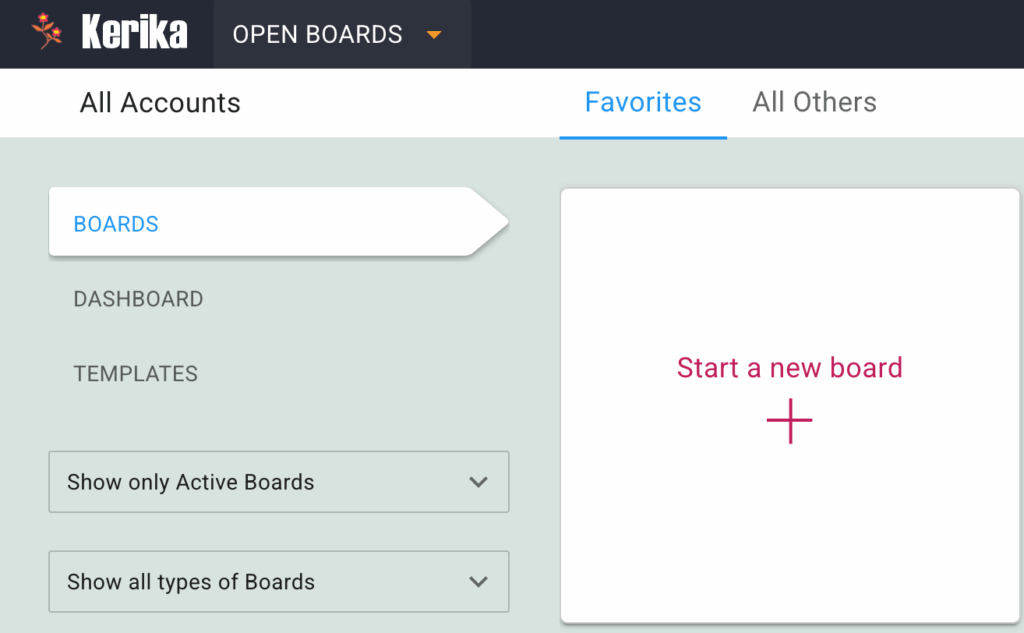
One easy way to keep your focus on the most important boards is to use the Favorites feature: the Home screen has separate tabs for Favorites and All Others:
We have made it even easier with two new filters:

  1. Show only Active Boards: this means that only boards that are not in the Archive or have been deleted will be shown.|
  2. Show all types of Boards: you can choose to see only Task Boards, only Whiteboards, or both.

Enjoy.
Embedding a Twitter feed in a Kerika Whiteboard

Here’s a feature that we suspect most people probably don’t know about: you can embed a live Twitter feed on any Kerika Whiteboard.

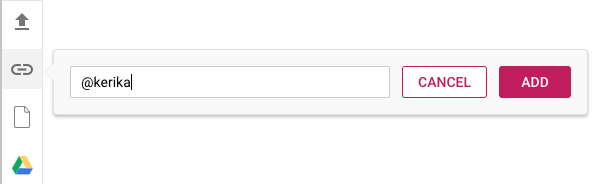
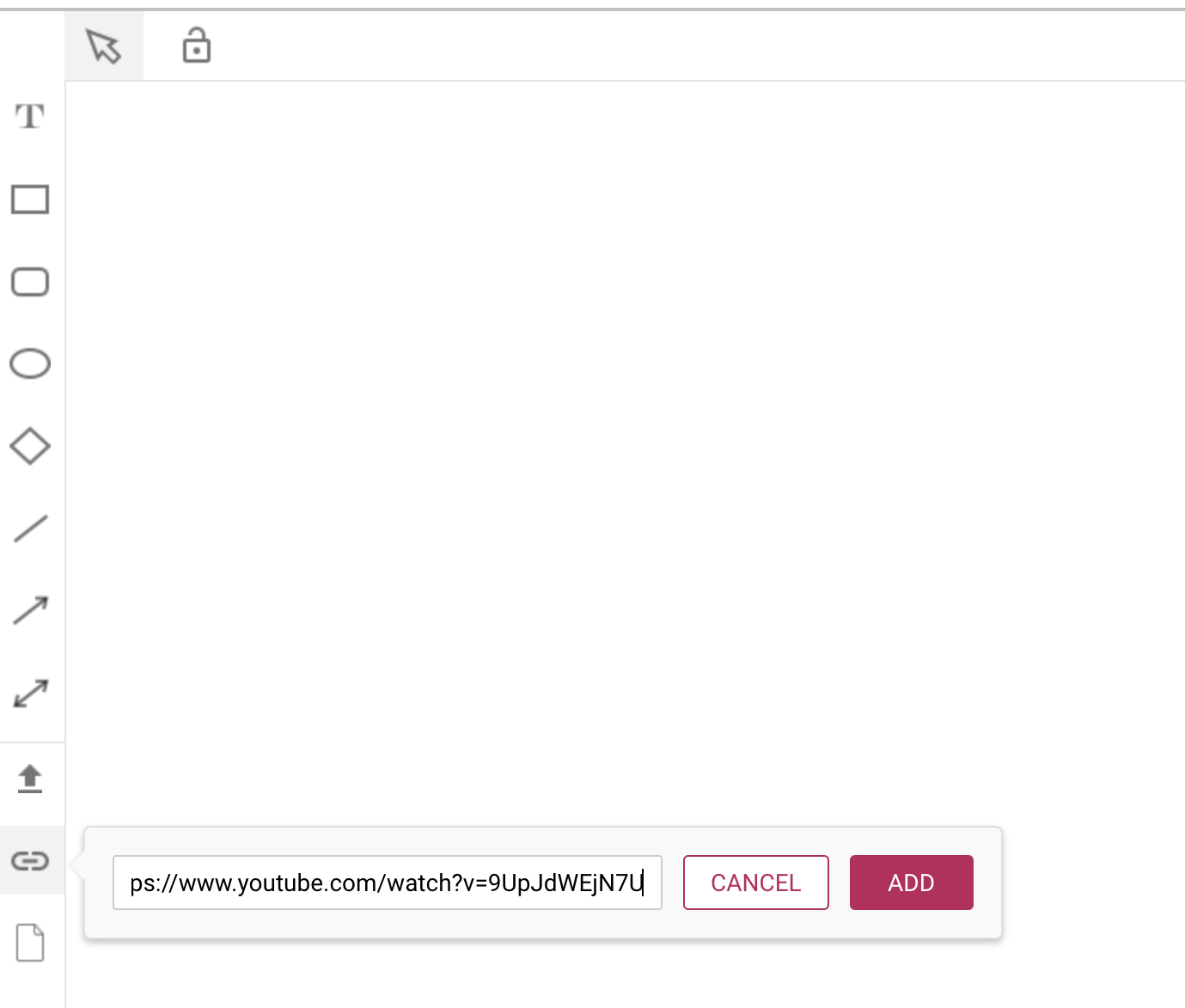
While working on a Whiteboard, click on the Add Web Content button that appears in the left-hand toolbar, towards the bottom:

Adding Twitter feed to Whiteboard

You can reference Twitter feeds with a simple “@” symbol: you can add Kerika’s Twitter feed just by typing in “@Kerika”.

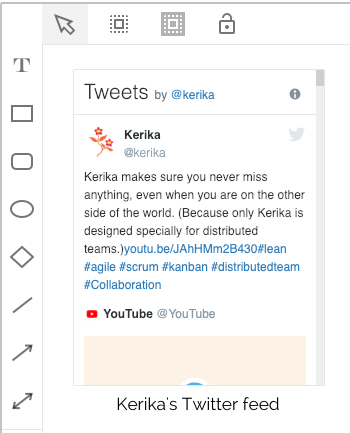
The Twitter feed appears as a live object on your Whiteboard:

Live Twitter feed on Whiteboard

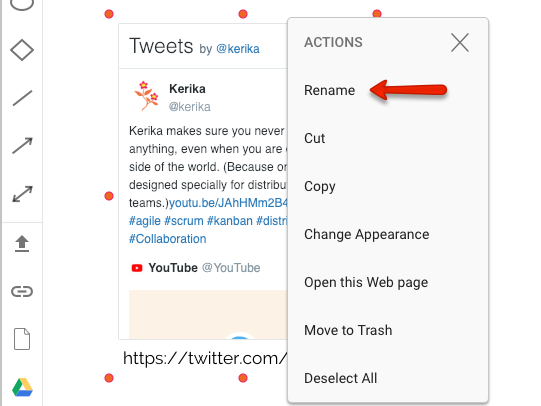
You might find it convenient to rename the URL to something more descriptive: you can do this by selecting the object and using the right-mouse button to get this menu:

Renaming Twitter feed for Whiteboard

Embedded Twitter feed on Kerika Whiteboard