We had a way for people to enter support requests as tickets on Freshdesk, but very few people ever used this feature. (We like to think that’s because Kerika has very few bugs :-))
But there has always been a simpler way to get in touch with us, built right into the app: when you click on the “?” icon at the top right corner of the app (on desktop), a menu appears:

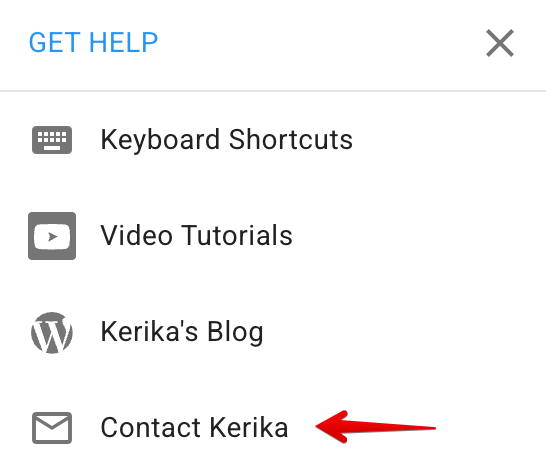
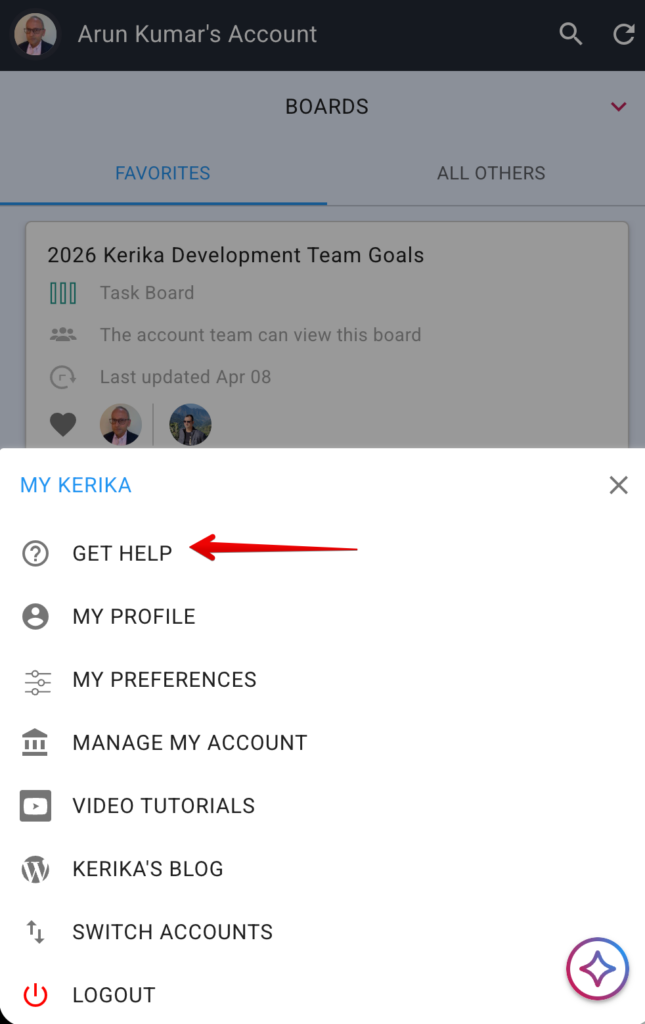
On mobile, go to Home and click on your profile picture on the top-left, and you will see GET HELP on the dialog that appears: