We have improved the process of setting a due date on a task on a Task Board in two important ways:
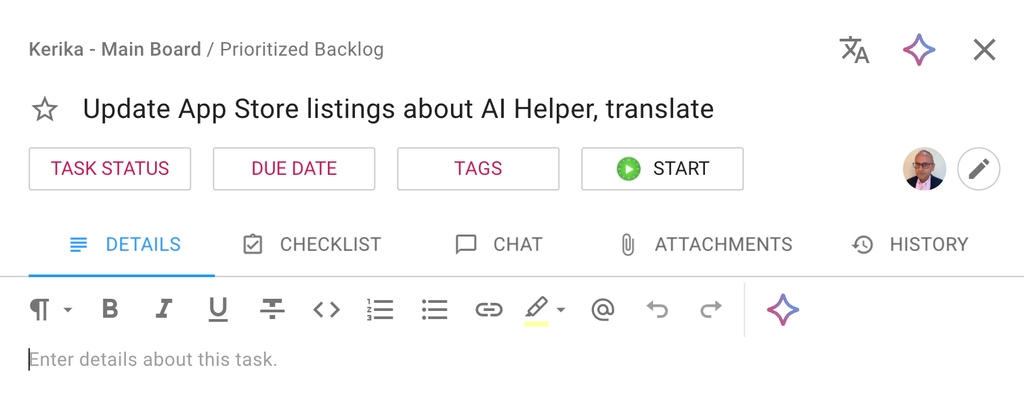
It’s easier to select common due dates
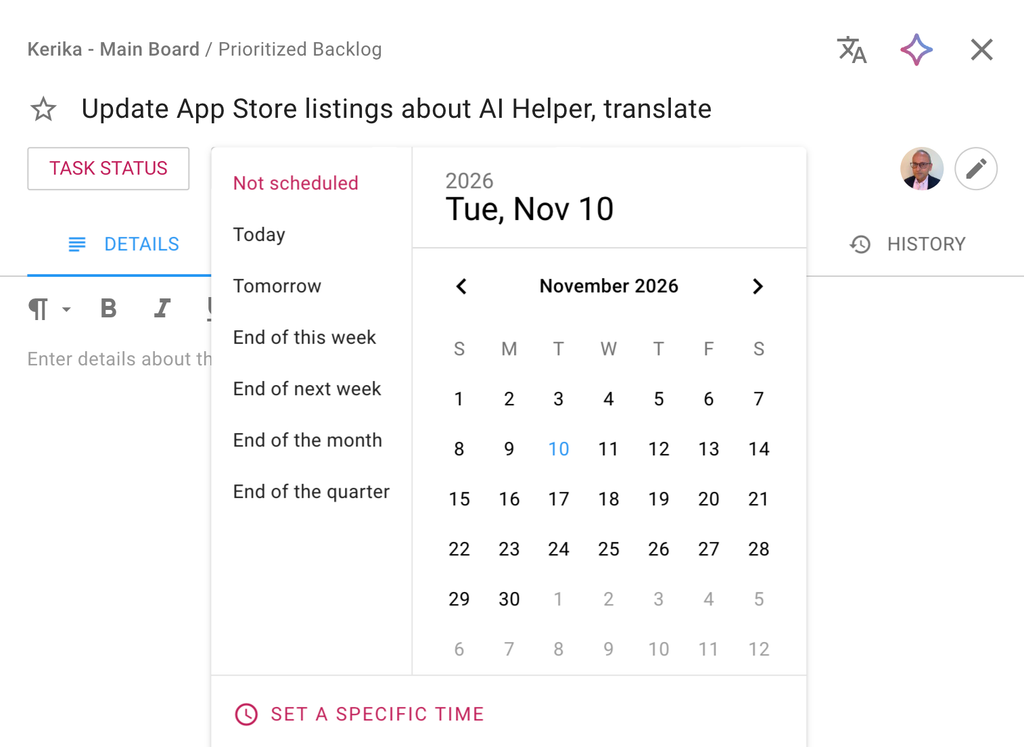
The due dates that people set most often, are now available as quick choices:
- Today
- Tomorrow
- End of this week
- End of next week
- End of the month
- End of the quarter
These require just one click to set the due date.
Setting Due Time
We have also added the ability to se a specific Due Time:
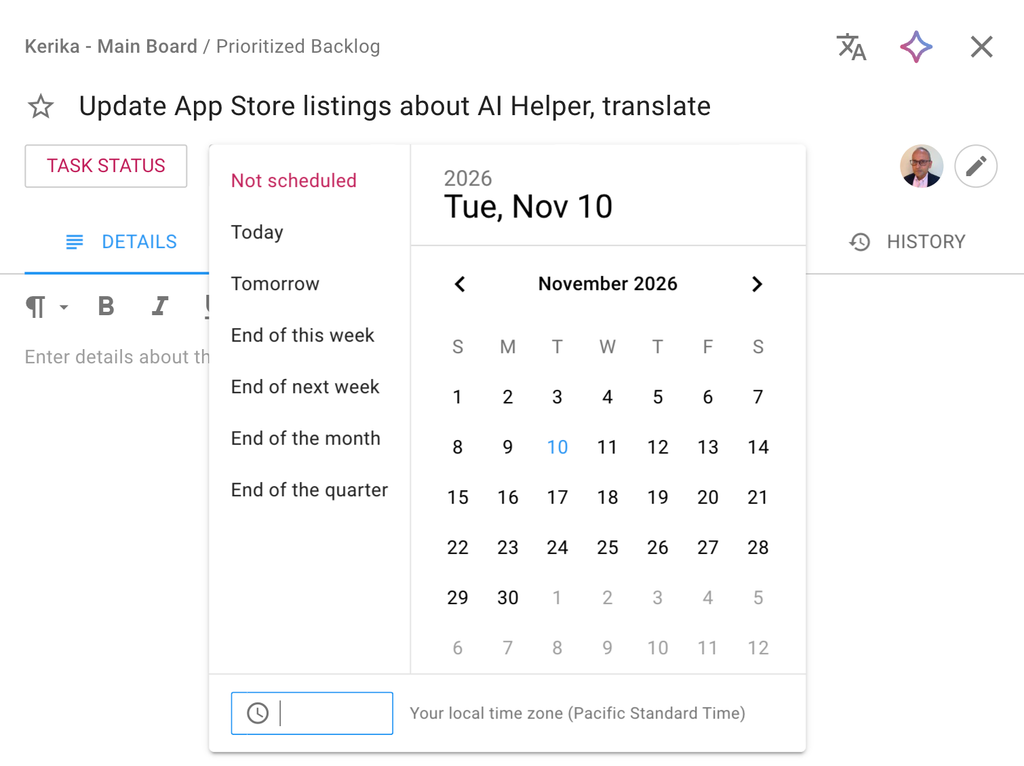
The timezone used automatically defaults to your current location, and the time shown on the task to everyone else on the board team will automatically adjust to their local timezones as well.